
In today’s digital age, location services are crucial for various applications and devices. Whether it’s finding directions, discovering nearby restaurants, or using ride-sharing apps, accurate location data enhances the user experience. But what happens when location features fail to work?
Many users encounter frustrating moments when their devices can’t pinpoint their whereabouts. This issue can stem from several factors, including settings misconfigurations, connectivity problems, or even software glitches. Understanding the reasons behind these location failures can help users regain functionality and make the most of their devices.
Understanding Location Services
Location services enable devices to determine their geographic location, facilitating various applications in navigation, local searches, and more. Understanding these services helps users identify and resolve issues when location functionality fails.
What Are Location Services?
Location services consist of technologies that allow devices to ascertain their position. These services utilize various methods, including GPS, Wi-Fi, cell towers, and Bluetooth signals. GPS offers precise location data, while Wi-Fi and cell tower triangulation provide broader estimates. Bluetooth is often used for proximity-based services. Each method contributes to the accuracy and efficiency of location reporting.
How Do Location Services Work?
Location services operate by gathering data from several sources. GPS accurately calculates positions based on satellite signals. Wi-Fi networks help refine locations indoors and in urban areas. Cell towers communicate with mobile devices, assisting in triangulating locations based on signals from nearby towers. Bluetooth technology enables devices to detect nearby location beacons for enhanced localization. The combination of these methods allows devices to provide real-time location information and service functionalities.
Common Reasons For Location Issues
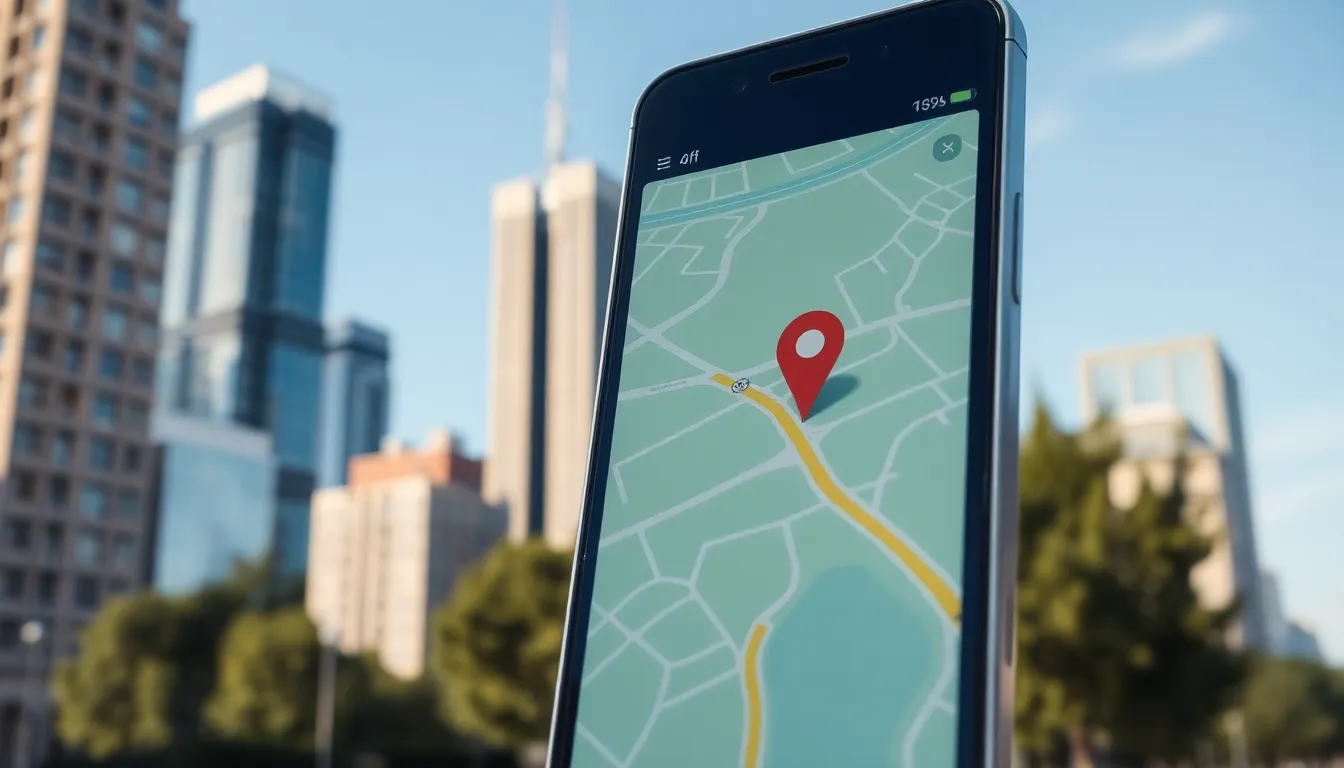
Location issues can stem from various factors. Understanding these common reasons helps in quickly resolving problems.
GPS Signal Problems
GPS signal problems occur due to obstructions, such as buildings or trees, which hinder signal reception. Devices may also struggle in areas with poor satellite visibility, leading to inaccurate location data. Furthermore, GPS may experience delays in obtaining signals during startup or when transitioning between states, impacting location accuracy.
Device Settings and Permissions
Device settings and permissions play a crucial role in location functionality. If location services are disabled in device settings, apps cannot access location data. Additionally, permissions may need to be granted for specific applications. Users should regularly check that their device allows location access for the apps they want to use.
Network Connectivity
Network connectivity issues significantly affect location services. Weak Wi-Fi or mobile data connections degrade the performance of location determination technologies. A stable internet connection is vital for location accuracy, as devices often rely on Wi-Fi signals and cell tower data for triangulation. Users should ensure they’re connected to a reliable network to optimize location services.
Troubleshooting Steps
When location services fail, several troubleshooting steps can restore functionality. Users can systematically check device settings, restart their devices, and update software to resolve issues.
Checking Device Settings
Verify that location services are enabled in device settings. Access the settings menu, find the “Location” or “Privacy” section, and ensure location services are activated. Check individual app permissions, ensuring apps that require location access are allowed. Confirm the selected mode, whether it’s high accuracy, battery saving, or device-only, as this impacts how the device retrieves location data.
Restarting Your Device
Restart the device to clear temporary glitches affecting location services. Turn off the device completely, wait a few seconds, and turn it back on. This simple action often resolves connectivity and software conflicts that impede location functionality.
Updating Your Software
Keep the device’s operating system updated to ensure optimal performance of location services. Navigate to the settings menu, locate the “Software Update” or “System Update” option, and check for available updates. Install pending updates, as they often contain bug fixes improving location accuracy and overall device operation.
Advanced Solutions
For users experiencing persistent location service failures, advanced troubleshooting methods may provide the resolution needed. The following strategies can help restore functionality.
Resetting Location Services
Resetting location services can resolve issues by returning all settings related to location permissions to their defaults. To reset location services:
- Access Settings: Open the device’s settings menu.
- Find Location Settings: Navigate to the privacy or location settings section.
- Reset Options: Look for a “Reset Location Settings” option, typically found within advanced settings or location services.
- Confirm Reset: Follow prompts for confirmation.
This action often resolves conflicts created by misconfigured settings across multiple applications.
Factory Reset as Last Resort
If location services remain unresponsive after other troubleshooting steps, a factory reset can serve as a last resort. A factory reset restores the device to its original settings. Important steps include:
- Backup Data: Ensure all important data, including contacts and photos, is backed up to cloud storage or an external device.
- Navigate to Reset Option: Access settings, usually found under “System” or “General Management.”
- Select Factory Reset: Find and select “Factory Data Reset.”
- Confirm and Execute Reset: Follow prompts to confirm the reset process.
This process erases all data on the device, so it should only be considered when other solutions fail.
Addressing location service issues can significantly enhance a user’s experience with their device. By understanding the various factors that can disrupt these services users can take proactive steps to resolve problems. Whether it’s adjusting settings or ensuring a stable internet connection these actions can restore functionality.
For those still facing challenges advanced troubleshooting methods offer additional solutions. With the right approach users can navigate the complexities of location services and enjoy the benefits of accurate and reliable location data. Taking the time to troubleshoot effectively ensures that devices perform optimally in today’s location-dependent world.

